J2534 pass-through
View available VIN, CALID, protocol and vehicle information with a compatible adapter.
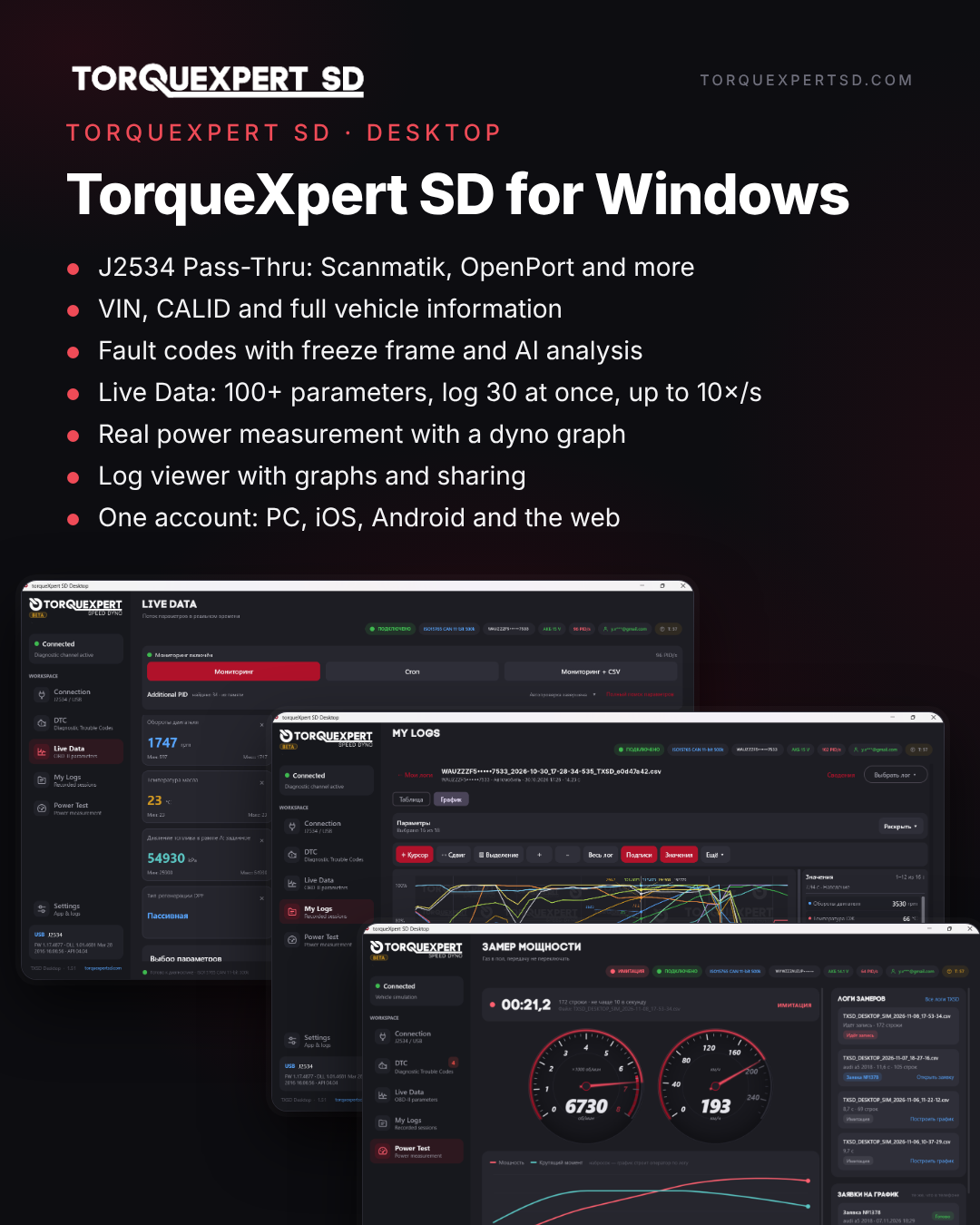
For Windows 10 and 11. Connect through a compatible J2534 pass-through adapter to monitor live data, record logs, measure power and analyze fault codes in a full desktop workspace.
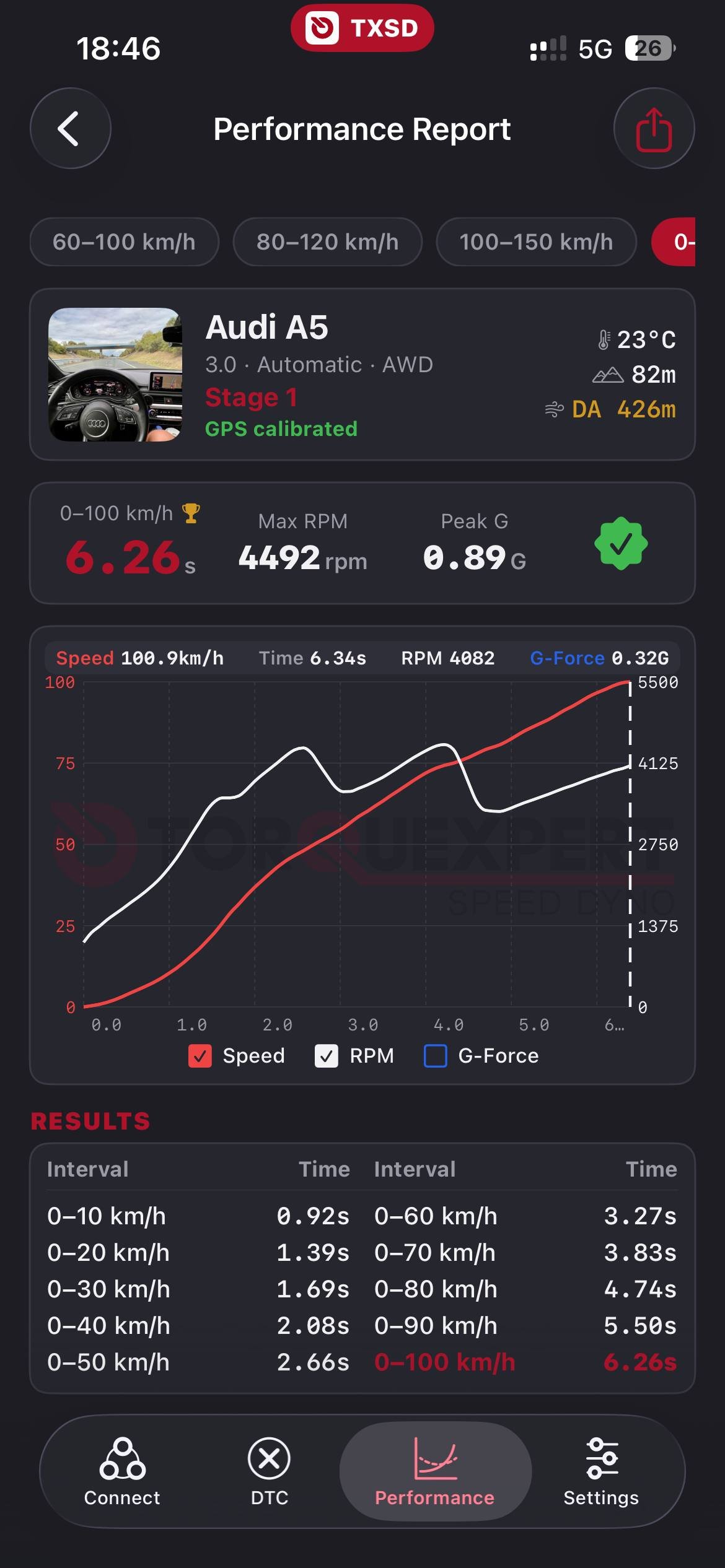


Sign in on Windows, iOS, Android or the web to access account-backed measurements and diagnostic reports.
Each platform keeps the tools suited to its hardware. Your account brings saved results together.
Open your account ↗Connect through a compatible J2534 pass-through adapter, explore live vehicle data, record CSV logs and turn measurements and fault codes into useful reports.
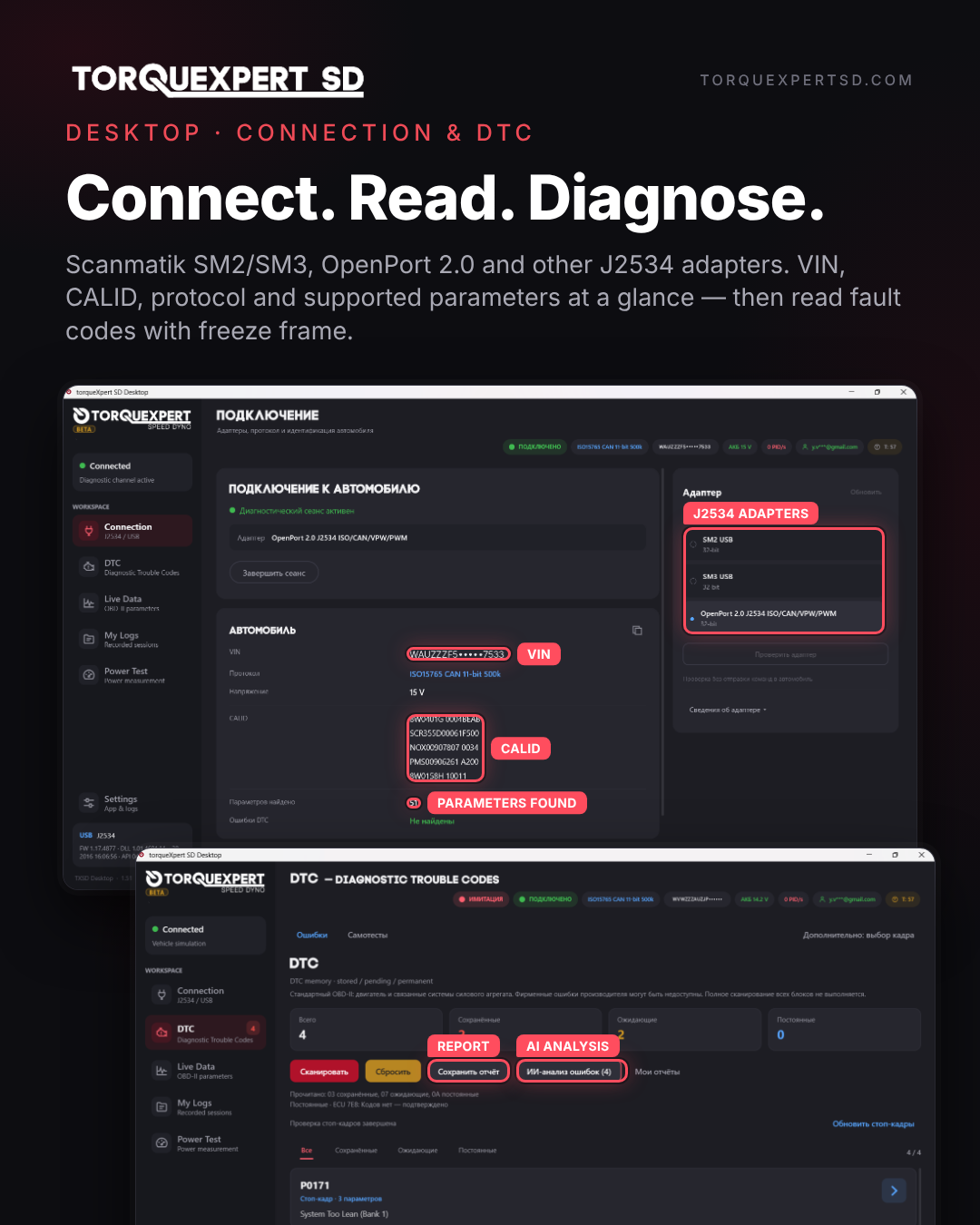
View available VIN, CALID, protocol and vehicle information with a compatible adapter.
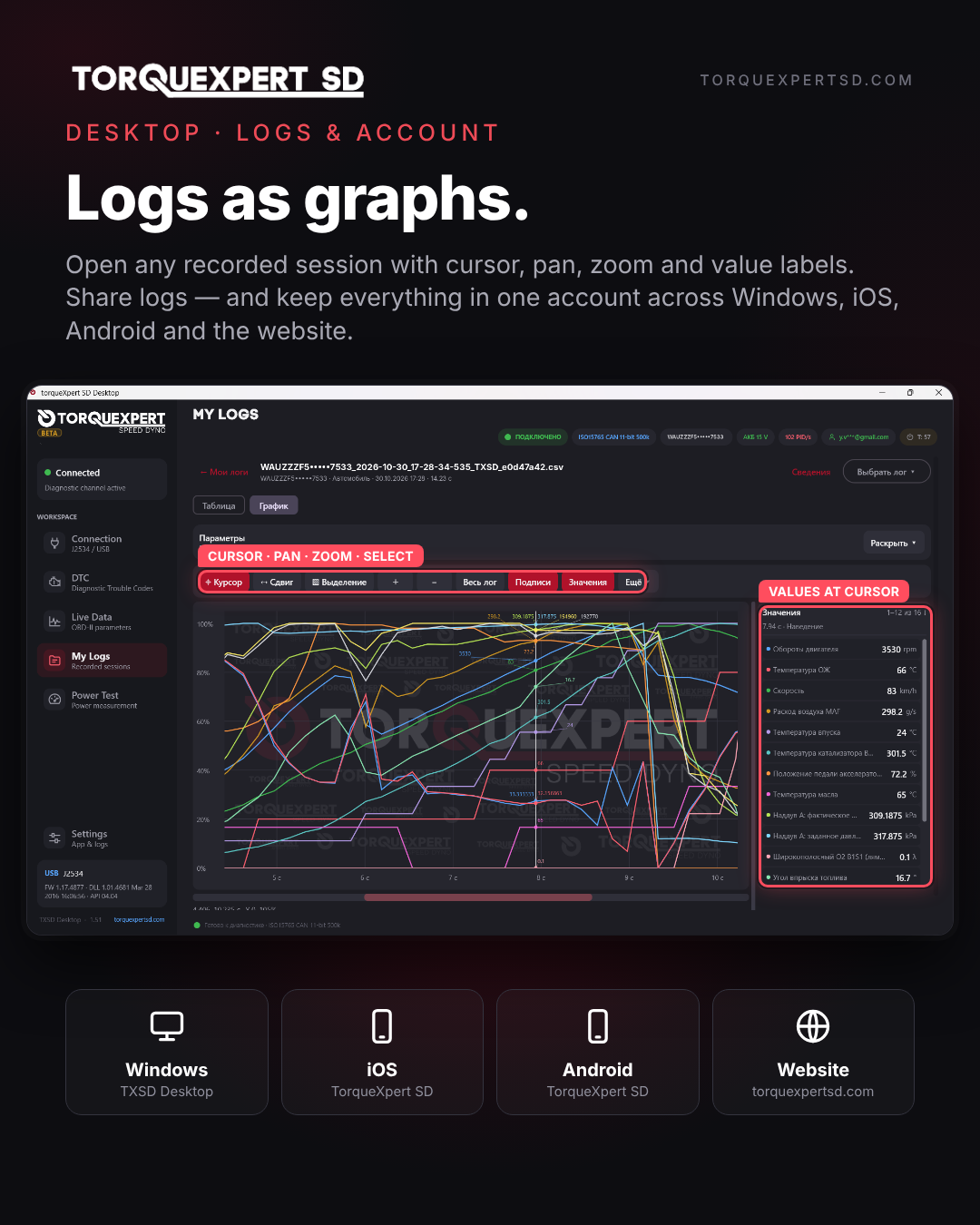
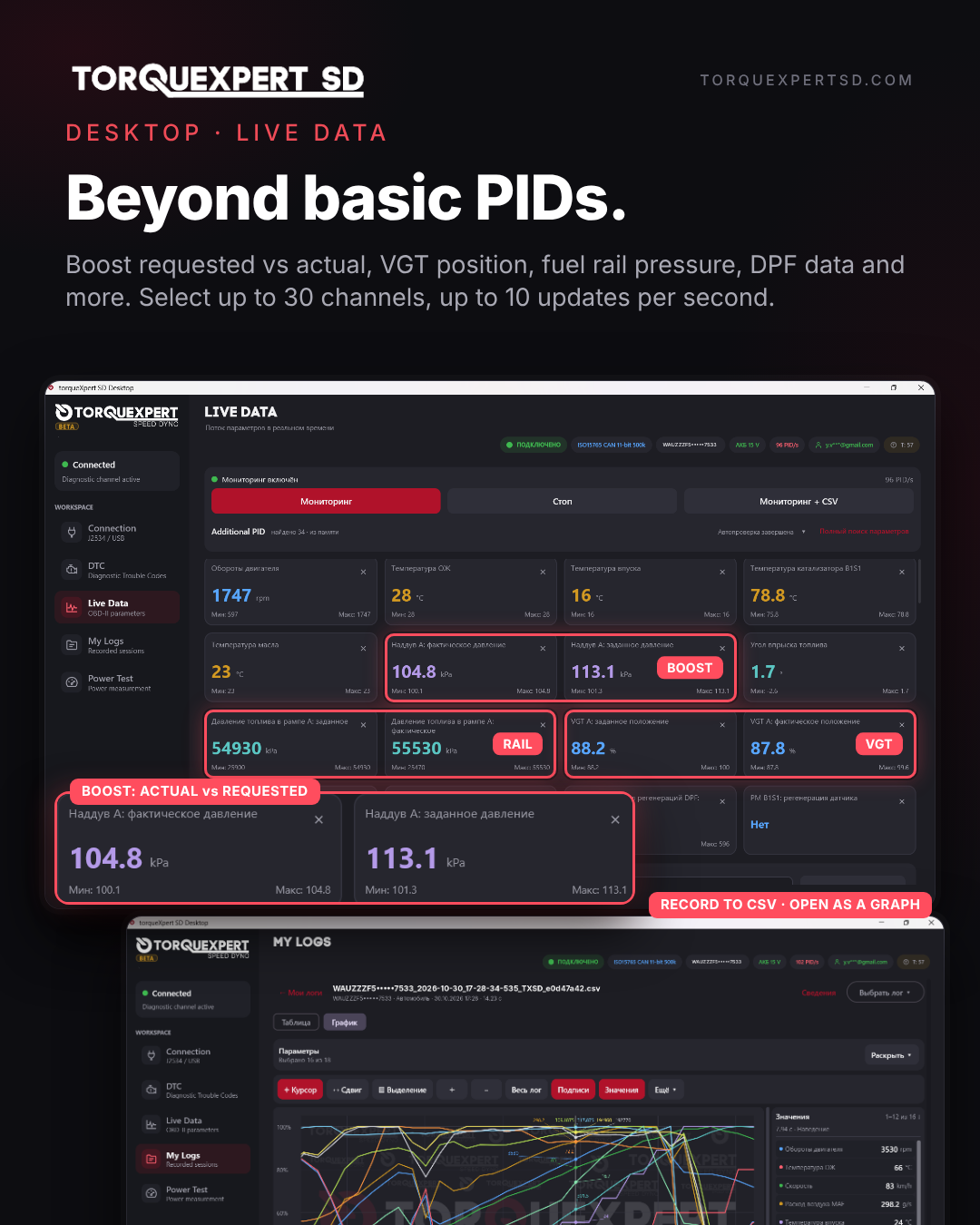
Explore 30+ available vehicle parameters, monitor up to 30 channels at once, record CSV data and inspect graph views.
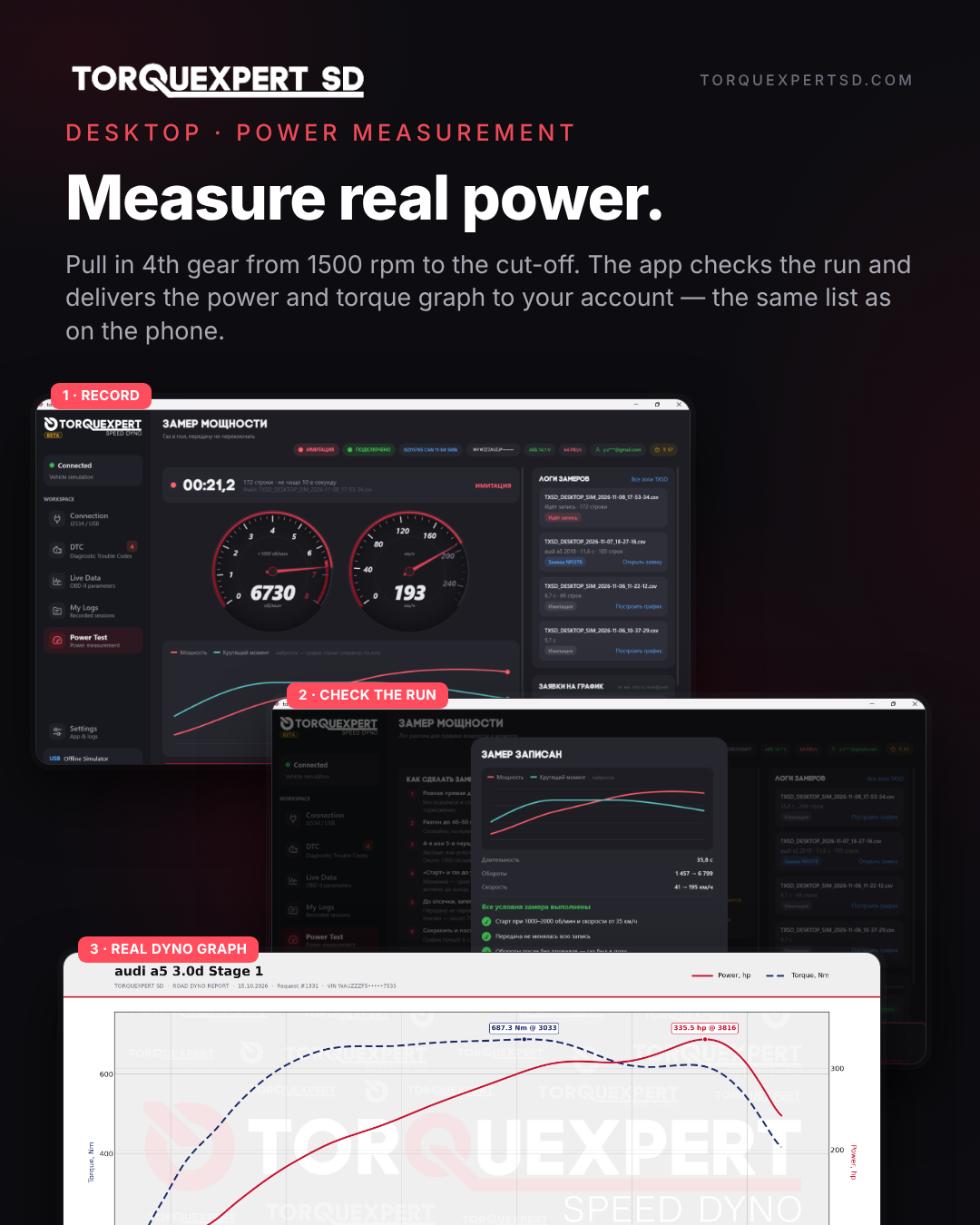
Record a controlled run and review the resulting power and torque graph.
Read supported DTC and freeze-frame data, then request an AI-assisted analysis.
Available parameters, update rate and diagnostic functions depend on the vehicle, ECU and adapter.
TorqueXpert SD for Windows works with compatible J2534 pass-through adapters on Windows 10 and Windows 11.
Supported Scanmatik SM2/SM3 and OpenPort 2.0 devices are examples. Vehicle, protocol and ECU support determine which data and functions are available.
The desktop app checks for new versions and updates automatically, so your Windows workspace stays current.
Use the same TorqueXpert SD account on Windows, iOS, Android and the web for account-backed measurements and diagnostic reports.
Explore the Windows connection, logging, power and diagnostic workflows. Open an image for a full-size view.
TorqueXpert SD for Windows supports Windows 10 and Windows 11.
Use a compatible J2534 pass-through adapter. Supported Scanmatik SM2/SM3 and OpenPort 2.0 devices are examples. Available vehicle data depends on the adapter, protocol and ECU.
The desktop app checks for updates and installs available updates automatically.
Account-backed measurements and diagnostic reports are available through the same TorqueXpert SD account. Locally recorded CSV files remain on your device until exported or shared.
Start where you work best. The same account connects your saved TorqueXpert SD results.
For compatible J2534 pass-through adapters and a full desktop data workspace.
Download Windows ↗For mobile measurements with a compatible Bluetooth Low Energy adapter.
Open App Store ↗For mobile measurements with a compatible Bluetooth OBD-II adapter.
 Open Google Play ↗